Listen now. Review the meeting later.
For meeting minutes on iPhone, the NoteCord app records the discussion and transcribes it on your device. With Apple Intelligence, you can create a summary with action items to check before writing up your minutes.

How to do it
- Step 1
Record the discussion
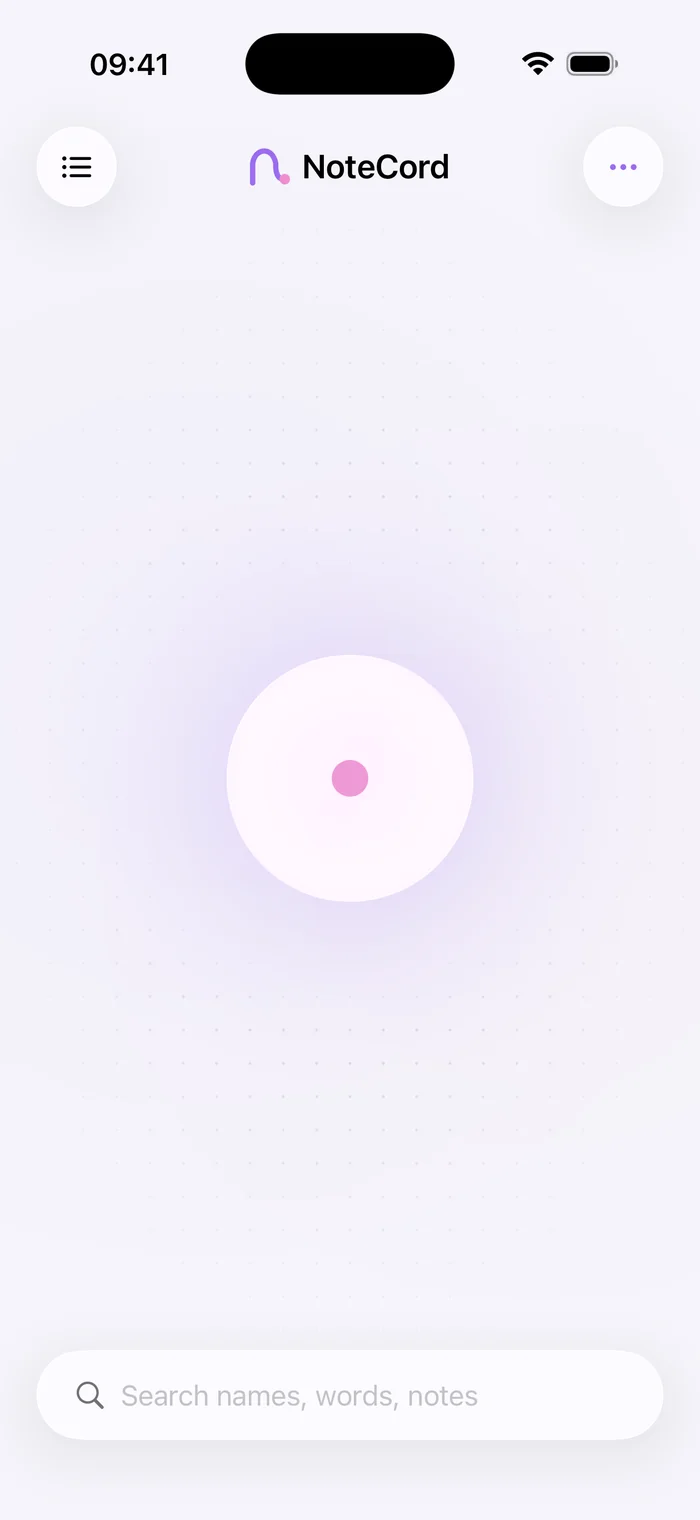
Tell everyone beforehand that you are recording. Start recording in NoteCord so you can revisit the discussion after the meeting.
- Step 2
Mark decisions
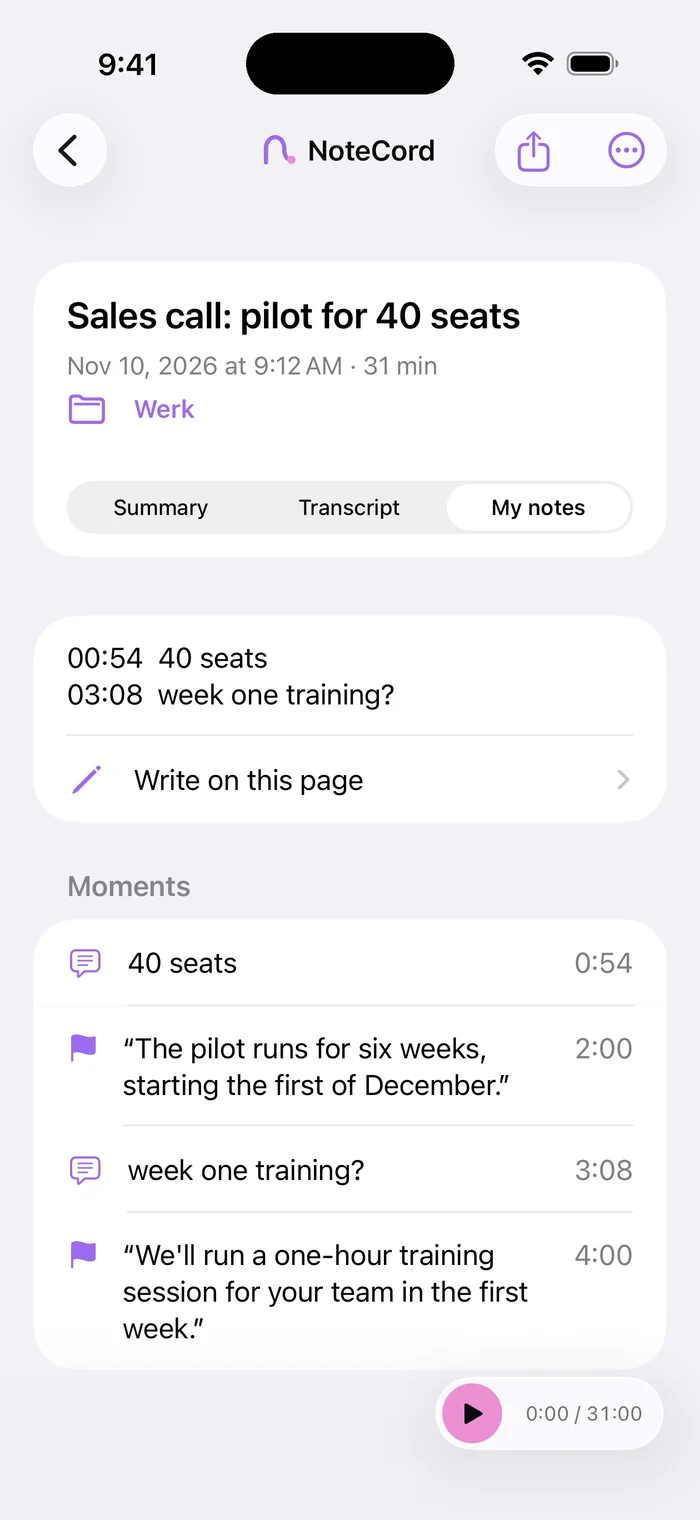
Mark the moment a decision is made. Add a short typed note with the topic or project name.
- Step 3
Review the summary
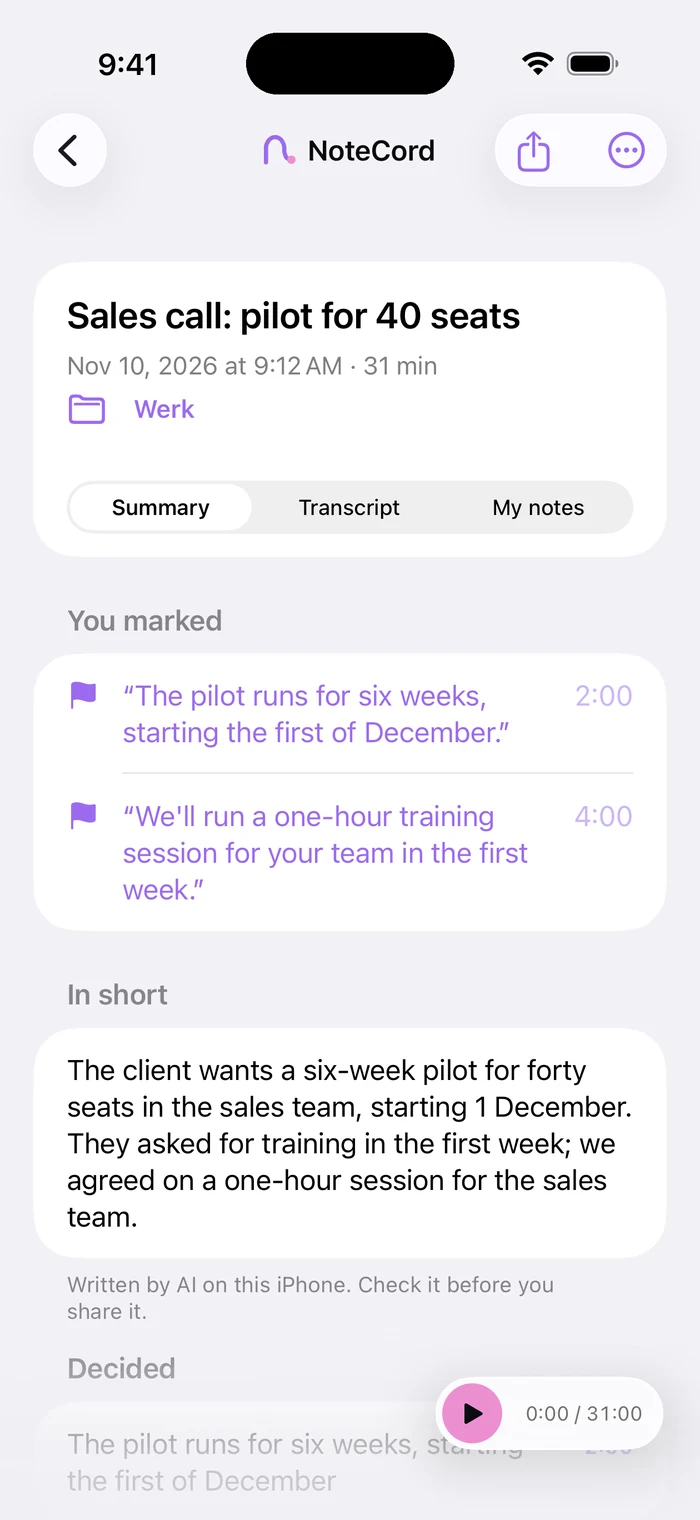
Use the summary to see which topics were discussed. Check any decisions you plan to include against the recording.
- Step 4
Check the action items
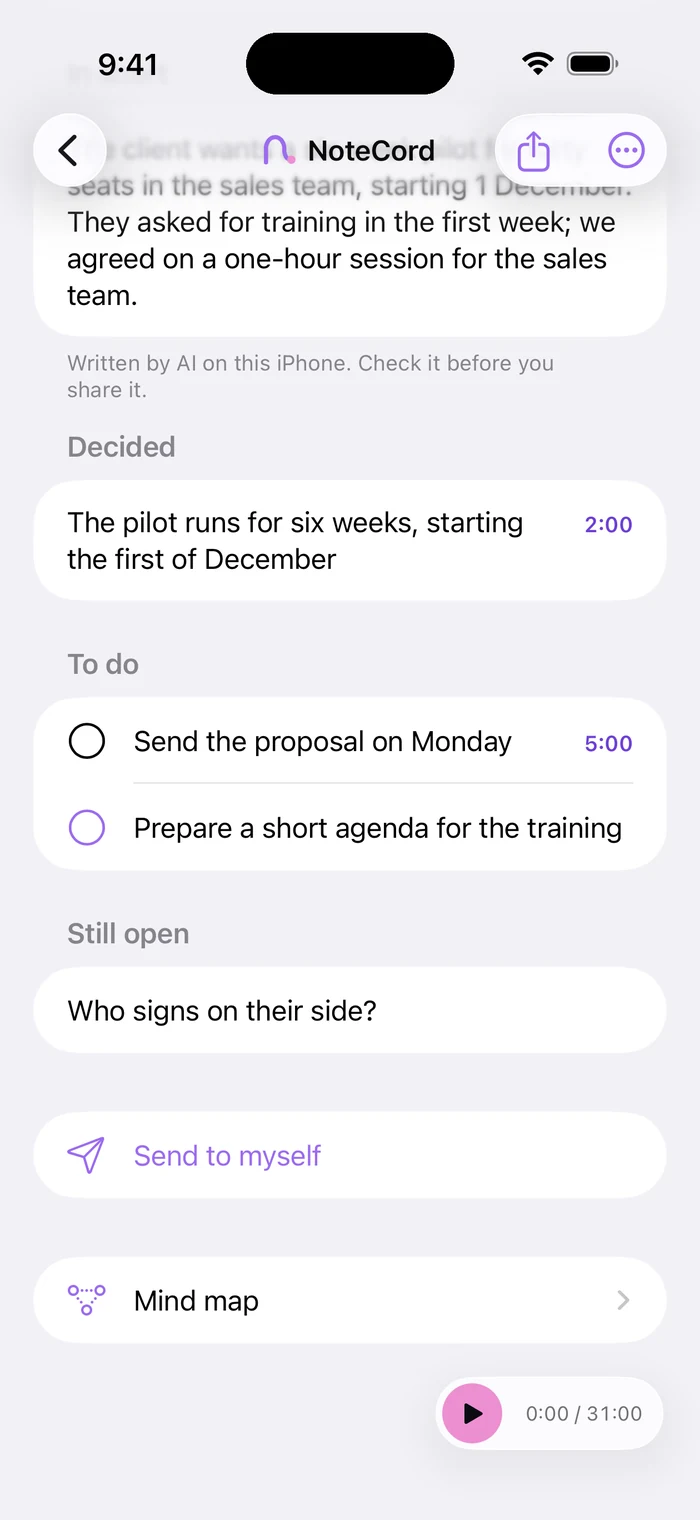
Check what was agreed, who will do it and which deadline was mentioned. Follow up on missing details before sharing the minutes.
Turn the discussion into useful minutes
Organize your minutes around topics, decisions and next steps. Use the transcript as your source and include what the record needs. This keeps decisions easy to find after a long discussion.
Check whether a proposal was agreed
An idea raised in a meeting may still be undecided. If you are unsure, listen again to the wording and the responses. Keep unresolved questions marked as unresolved.
Keep project meetings together
Store conversations in a folder for each project or client. Search across your conversations to find a topic discussed earlier. Typed notes attached to marked moments are searchable too.
Questions people ask
- How do I make meeting minutes from a recording?
- Record the meeting with NoteCord and use the transcript to write up topics and decisions. Check agreements against the recording.
- Does NoteCord automatically create final meeting minutes?
- NoteCord records, transcribes and can produce a summary with action items. Review the content and shape it into the record you need.
- Do action items require Apple Intelligence?
- Yes. A summary with action items requires Apple Intelligence.
- Can I find agreements from an earlier meeting?
- Yes. You can search across all your conversations and typed notes attached to marked moments.