Hear the lecture. Read it again.
To transcribe a lecture, record it with NoteCord on your iPhone or iPad. The app turns the spoken explanation into text on your device, giving you material to reread and search while studying.

How to do it
- Step 1
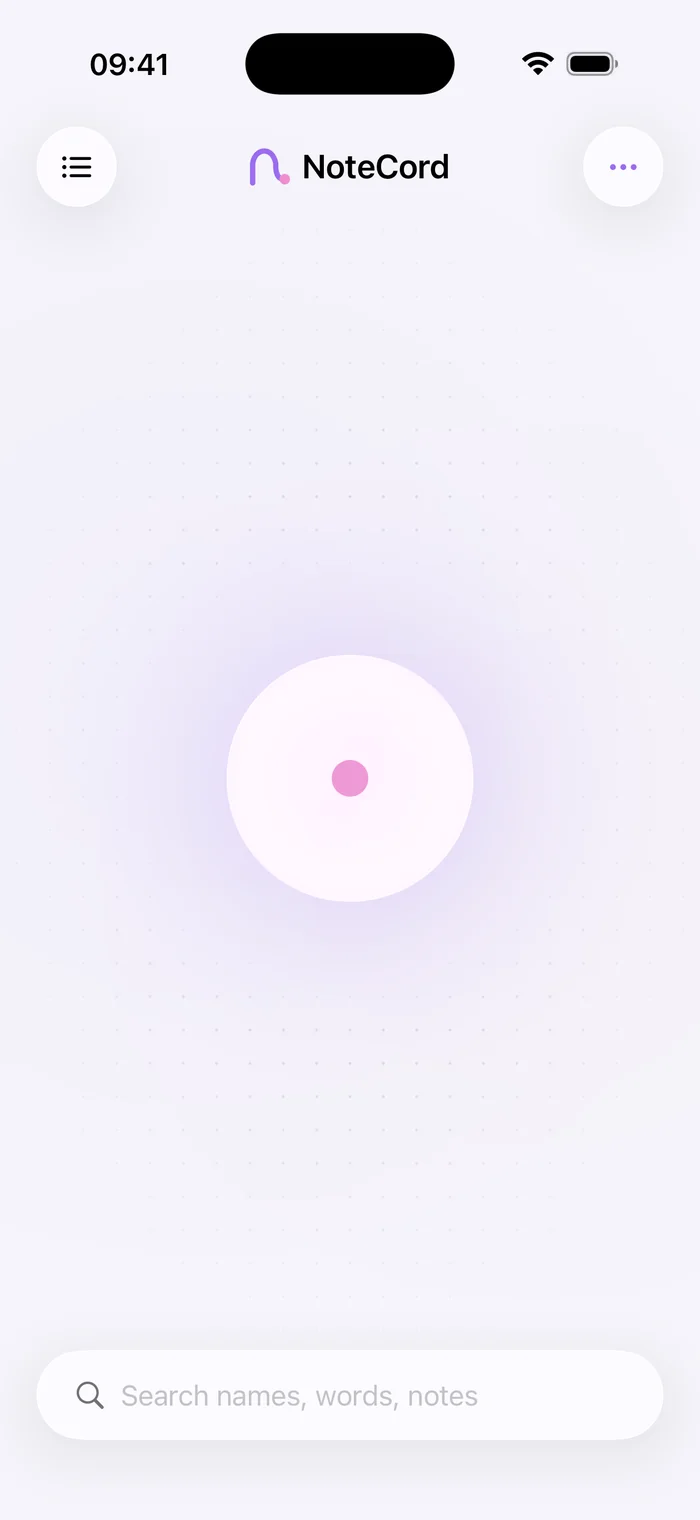
Start the lecture recording
Tell the lecturer beforehand that you are recording. Open NoteCord and start recording before the explanation begins.
- Step 2
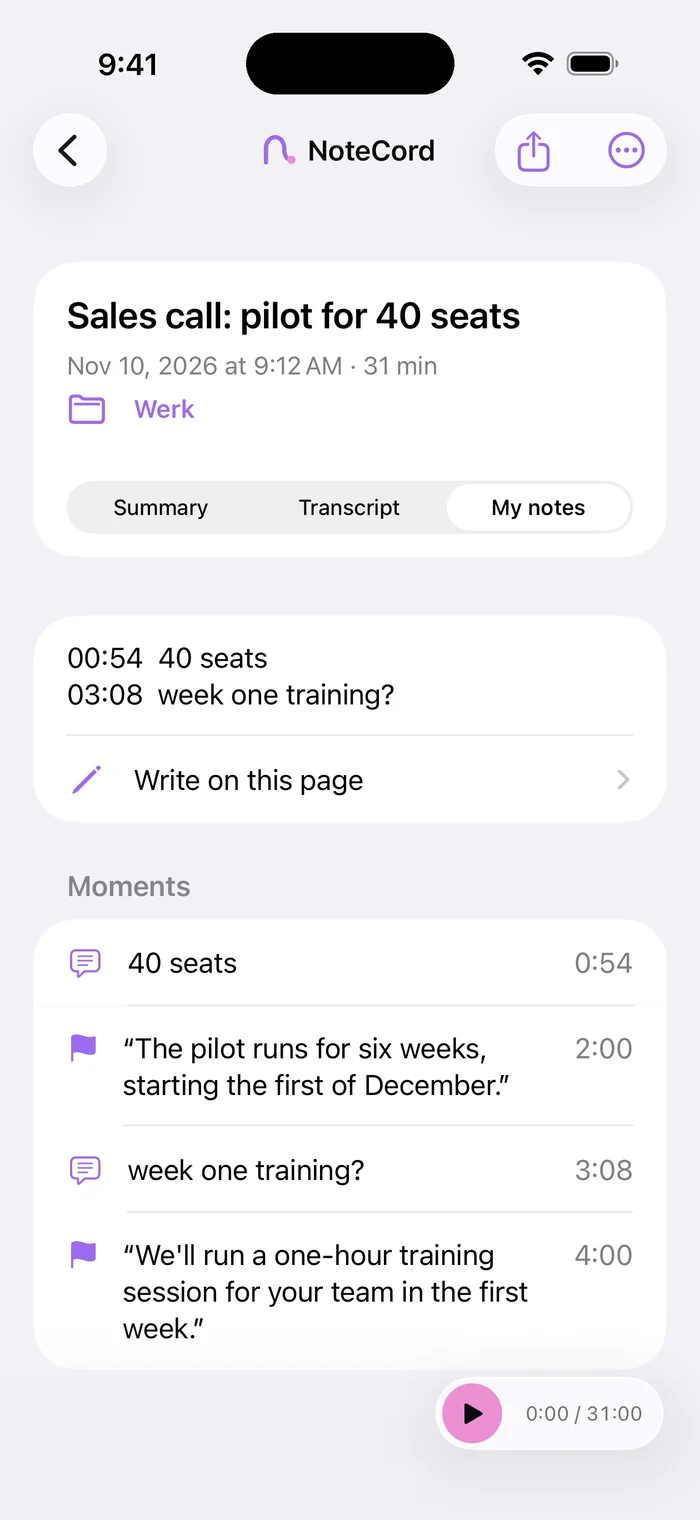
Mark difficult explanations
Mark a moment when a concept is unclear. Add a short typed question so you know what to work through later.
- Step 3
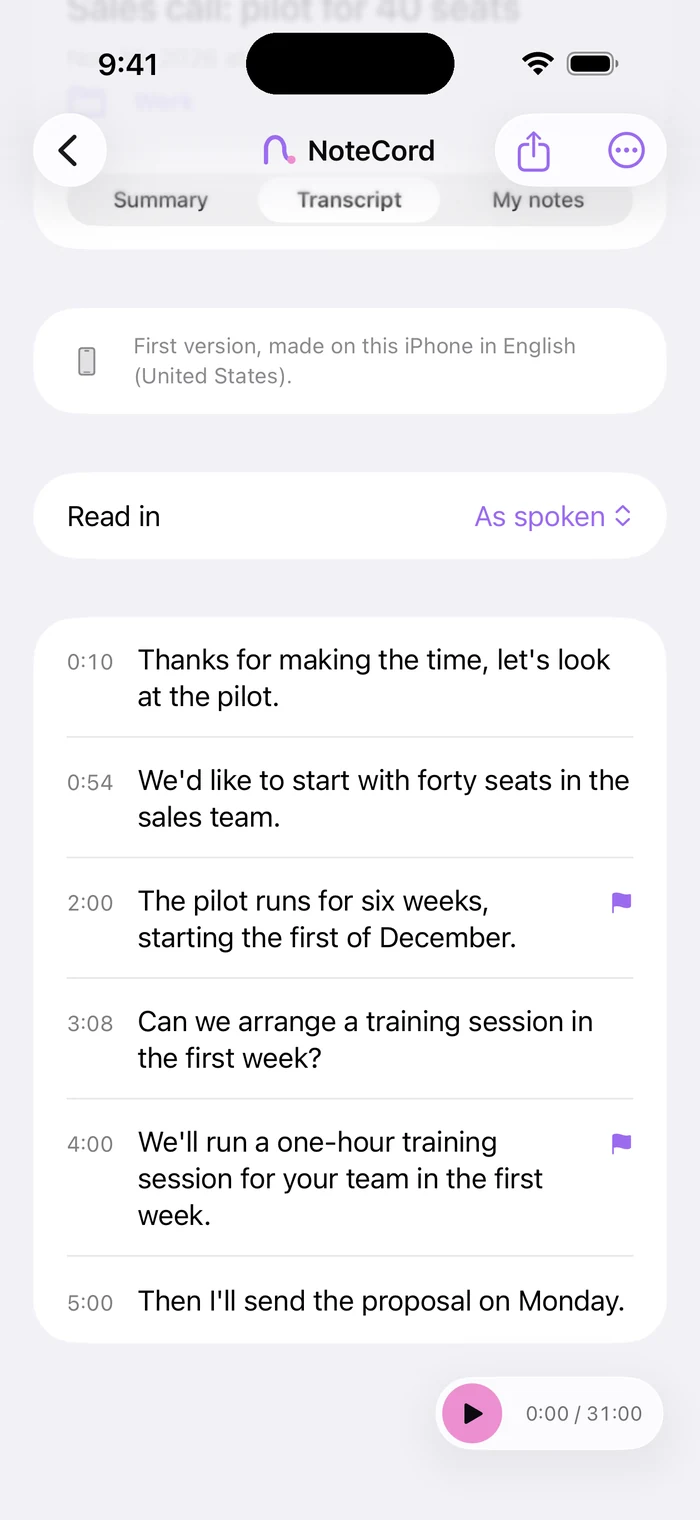
Read the explanation again
Use the transcript to follow the reasoning a second time. Check technical terms and figures against the recording before adding them to your own notes.
- Step 4
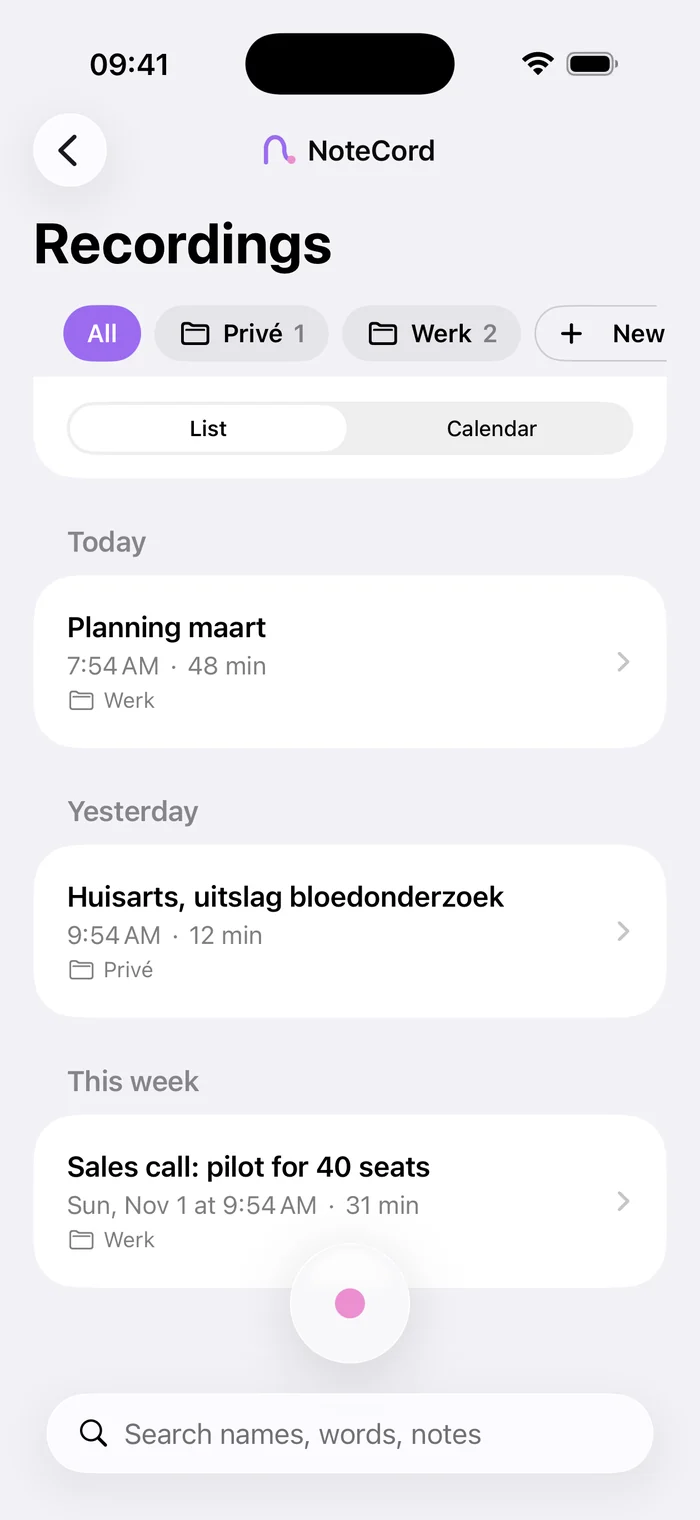
Search for a concept
Search for a term from the lecture to find relevant text. Keep recordings in a folder for each study project.
Write down your questions
Use your own notes for questions, connections and examples you want to remember. The transcript gives you text to revisit later. Listen to the recording again when a topic needs more attention.
Follow the full reasoning
When you find a concept, read the surrounding sentences too. A definition, example or exception may appear elsewhere in the explanation. After reviewing it, write down what you understand in your own words.
Questions people ask
- How do I record and transcribe a lecture?
- Start recording in NoteCord on your iPhone or iPad. The app transcribes the spoken explanation on your device.
- Can I take my own notes during the lecture?
- Yes. In NoteCord, you can mark moments and attach typed notes, such as a question about the explanation.
- Can I search across several lectures?
- Yes. NoteCord searches across all your conversations. Use a term from the lecture to find relevant text.
- What if I do not recognize a technical term in the transcript?
- Listen to the explanation again and compare the term with your course materials. Check the wording before using it in your own notes.